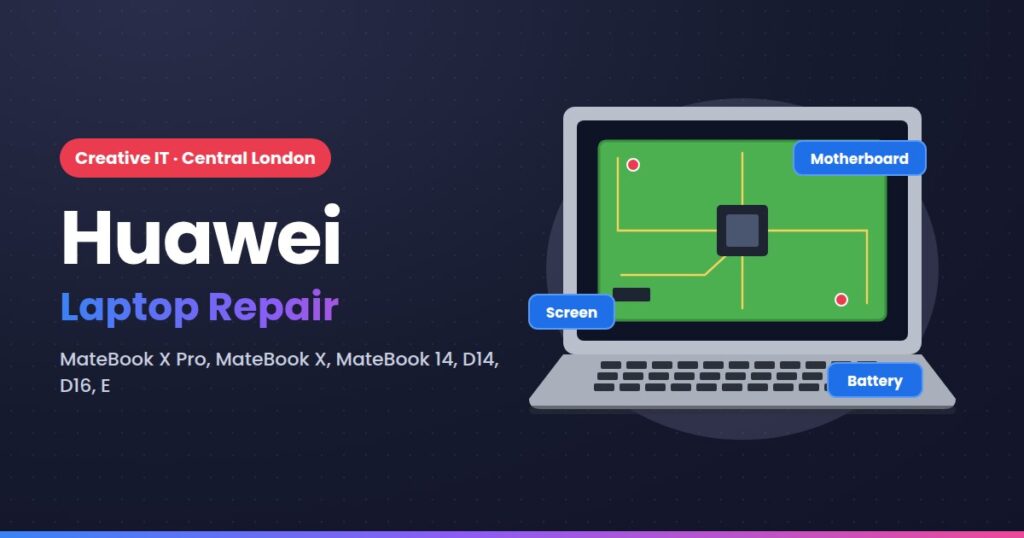
Huawei MateBooks use slim designs and glued parts that are hard to source in the UK. We repair MateBook screens, batteries, charging faults and motherboards.
Huawei models we repair
MateBook
- MateBook X Pro (2018–2024)
- MateBook X & MateBook 14 / 14s
- MateBook 16 / 16s
- MateBook D14, D15 & D16
- MateBook E 2-in-1
Model not listed? We repair every Huawei laptop, including older and imported models. Call 020 7237 4908 with the model number from the label underneath.
Common Huawei faults we fix
- Screen replacement, including touch 3K panels
- Battery swelling
- USB-C charging faults
- No power and motherboard repair
- Keyboard replacement
- Liquid damage
Huawei repair services
- Screen and display replacement
- Battery replacement
- Keyboard and touchpad repair
- Charging port, DC jack and USB-C repair
- Component-level motherboard repair
- Liquid spill damage repair
- Fan cleaning, thermal paste and overheating fixes
- Hinge and casing repair
- SSD and RAM upgrades
- Windows / macOS reinstall and virus removal
- Data recovery from failed drives
- Collection and return anywhere in the UK
How your Huawei repair works
- Drop it off or book a courier to our Central London repair centre.
- Free evaluation: we find the fault and send you a fixed quote before any work starts.
- Repair: most repairs are done within 1–3 working days, same day when parts allow.
- Collect or have it delivered, fully tested. No fix, no fee.
Book your Huawei repair
Call 020 7237 4908, email info@creativeit.uk or use the quote form at the top of this page. Walk-ins welcome Monday to Saturday.