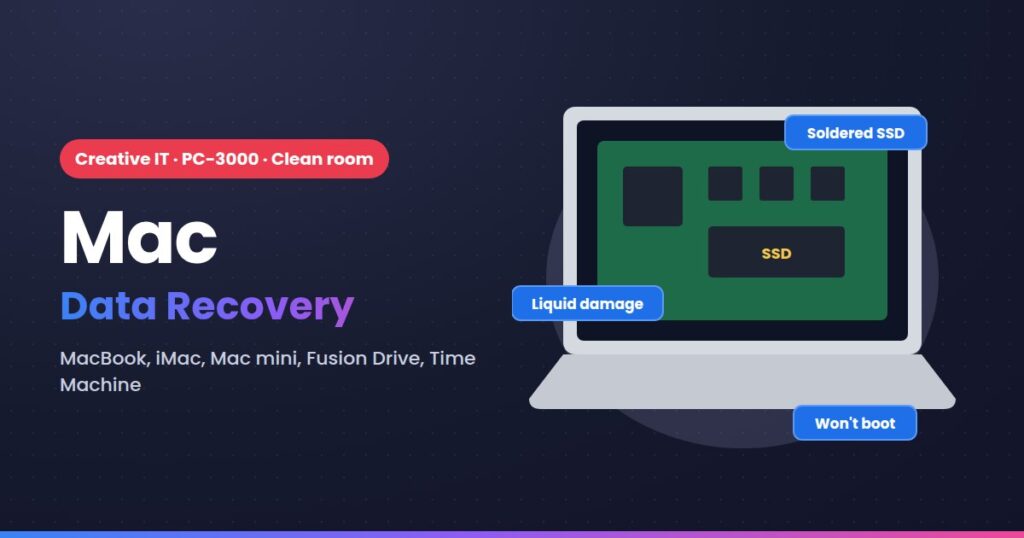
Lost files on Touch Bar MacBook Pro (2016–2017)? We recover data from Touch Bar MacBook Pro (2016–2017) in our Central London lab, using PC-3000 and, when the device has to be opened, our Class 100 clean room. You get a free evaluation and a fixed quote first.
Problems we recover from
- MacBook dead after a liquid spill and the data isn't backed up
- Won't turn on, or stuck on the Apple logo
- APFS container corrupt, disk won't mount
- Deleted files or erased disk
- Fusion Drive split or failed
- Time Machine backup won't restore
What to do now
- Stop using it straight away.
- Don't run CHKDSK, Disk Utility or recovery software on a drive that is noisy or slow.
- Don't open it, and don't format or initialise it.
- After a spill, switch the Mac off and don't try to charge it.
How the recovery works
- Free evaluation to find the fault (logical, firmware or physical).
- Fixed quote before any work starts.
- Safe imaging with PC-3000, in the clean room if needed. We only ever work on the copy.
- Your data back on a new drive, checked with you first.
Prices
- Logical recovery: from £79 + VAT
- Firmware recovery: from £145 + VAT
- Physical recovery in the clean room: from £195 + VAT
RAID, NAS and server recoveries are quoted after the free evaluation. No data, no fee on eligible recoveries.
Other MacBook devices
- MacBook Air & MacBook Pro with Apple silicon (M1–M5)
- MacBook Pro & Air with T2 chip (2018–2020)
- Older MacBooks with removable SSD or hard drive
Start your recovery
Call 020 7237 4908, email info@creativeit.uk or use the quote form at the top of this page. You can also drop the device at our Central London lab, Monday to Saturday.